Build your Canvas
Begin with a blank project or one of eleven templates. Add native instruments, pictures, text, and playable regions. Choose from 103 included Sounds and 1,000 Elements, or import your own material.
 VMuse Global
VMuse Global · iPadOS 18+
Arrange pictures, shapes, and sounds on a touchable Canvas. Start by hand, from a template, or with an AI-assisted design. Then make it yours and play.
Explore the workflow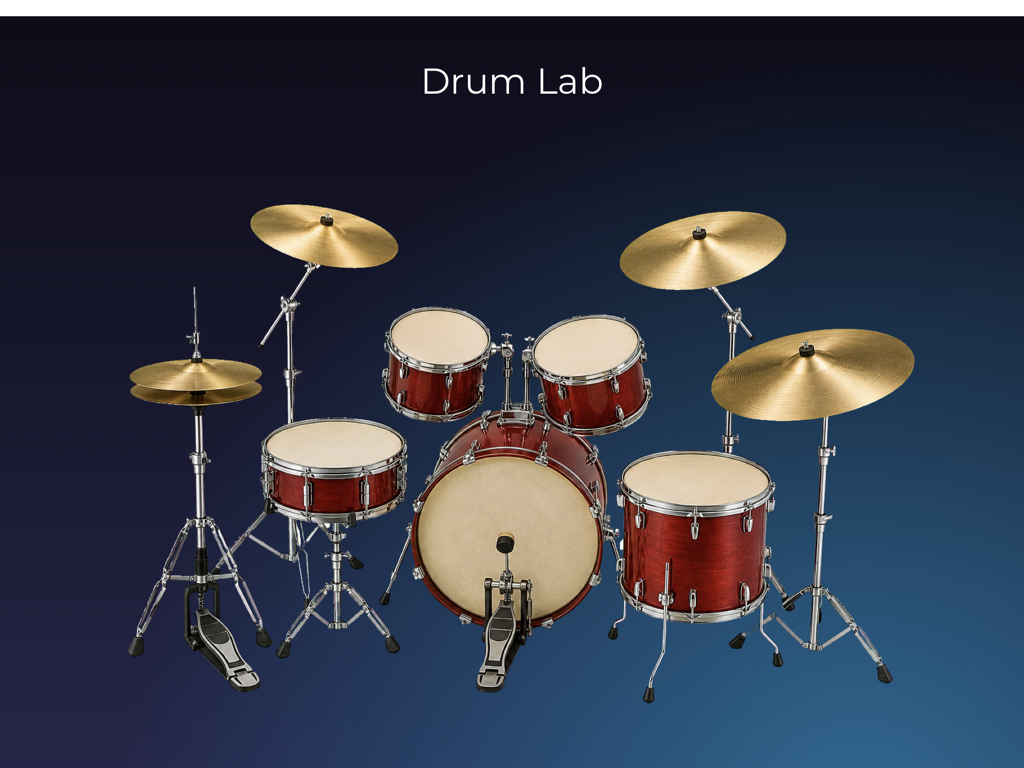
Make locally. Save locally. Play offline.
An account is only needed for optional online features.From an idea to an instrument
Begin with a blank project or one of eleven templates. Add native instruments, pictures, text, and playable regions. Choose from 103 included Sounds and 1,000 Elements, or import your own material.
Test Draft lets you play your current work without moving anything. Change the layout, adjust a sound mapping, and try again. Your draft saves on this iPad.
Publish prepares a stable version for Performance. Play it full screen and record the app’s sound locally. Later edits stay in your draft until you publish again.
Optional AI Create · Managed account
Children may type their own ideas and generate an instrument while using an account managed by a parent, guardian, teacher, or other authorized adult. Review what will be shared before sending, then play and inspect the result before saving it locally.
A verified managed account has three generations per UTC calendar month. Manual creation and offline performance do not use this allowance.
How AI Create worksYour iPad, your workspace
Editing, saving, reopening, Test Draft, Publish, Performance, tutorials, and saved AI instruments work locally. There is no cloud project library or automatic upload.
English is included. The Global edition adds ten optional language downloads; an installed language works offline and leaves the names and text you wrote unchanged.
Read about languages